Why Public Wi-Fi Is a Hacker’s Playground (And How a VPN Protects You)
1. Introduction
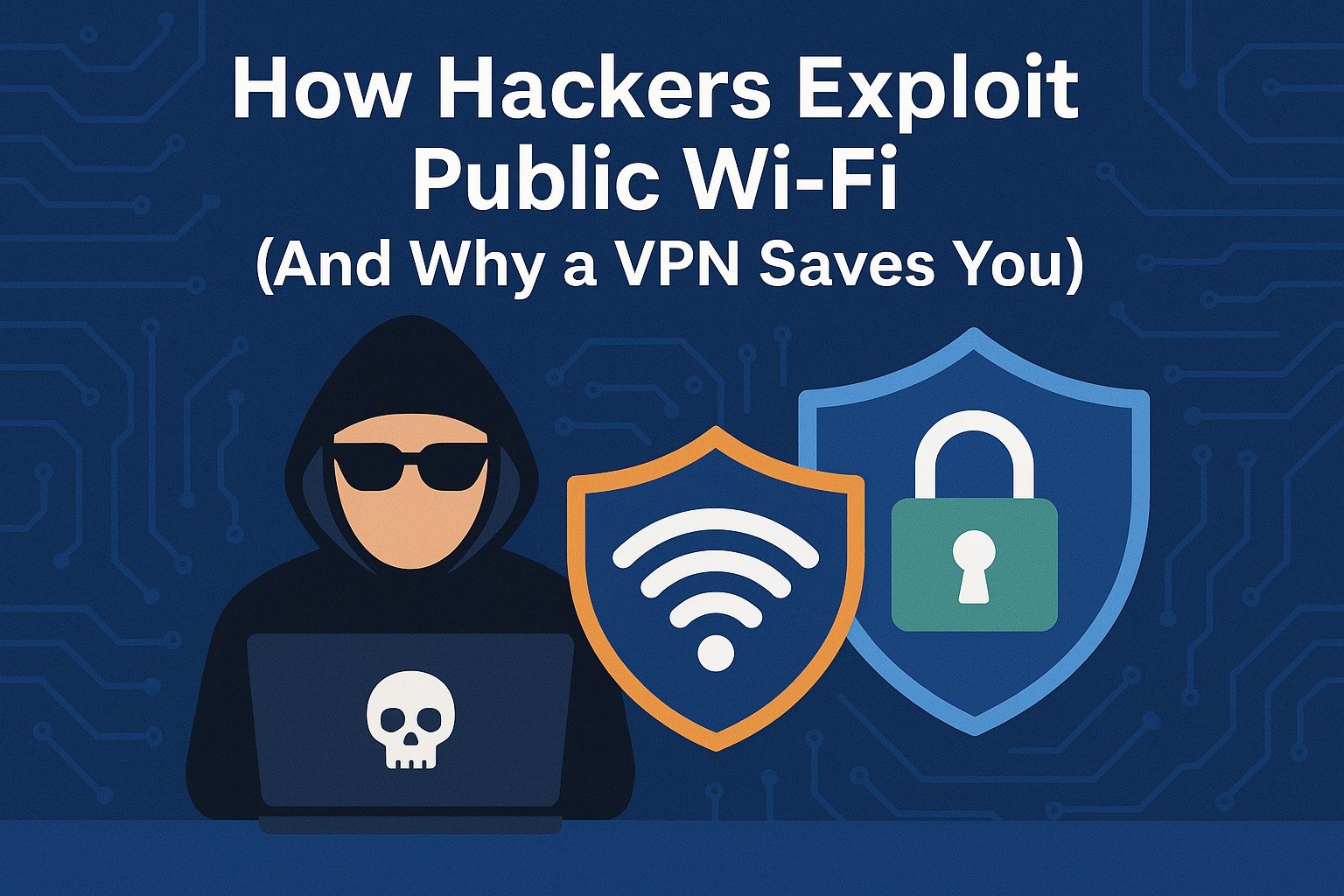
In coffee shops, airports, hotels, and malls, public Wi-Fi is everywhere — and hackers know it. These open networks seem harmless, but they’re prime hunting grounds for cybercriminals looking to steal your personal information, intercept your login details, or install malware silently.
In 2025, cyberattacks via public networks are more advanced than ever. Fortunately, you don’t need to be a cybersecurity expert to stay safe. With one simple tool — a VPN — you can block most of these threats and use Wi-Fi without exposing your digital life.
This guide explains exactly how public Wi-Fi attacks happen, what hackers can actually do, and how a VPN protects you from the most common and dangerous tactics.
2. What Makes Public Wi-Fi So Dangerous?
Public Wi-Fi lacks one key thing: encryption you control. When you connect to an open network, your data travels unprotected across the air — unless an extra layer like a VPN encrypts it first.
The danger is simple: anyone else on the network could potentially intercept your traffic. And many public hotspots don’t verify who’s connected.
Without protection, hackers can:
- See the websites you visit
- Steal login credentials
- Hijack accounts
- Drop malware into your device
- Monitor your data in real-time
And the scary part? Most of this happens without any signs or alerts.
3. The Most Common Public Wi-Fi Attacks
1. Man-in-the-Middle (MITM) Attacks
Hackers insert themselves between your device and the network — silently intercepting everything you send and receive.
2. Evil Twin Hotspots
A hacker creates a fake Wi-Fi network with a name like “Airport Free WiFi” and waits for you to connect. Everything you do on it can be monitored or stolen.
3. Packet Sniffing
With tools like Wireshark, hackers can scan unencrypted data packets traveling across the network. Login forms, cookies, and even partial credit card info can be exposed.
4. Session Hijacking
Attackers steal your session token (used to stay logged in), gaining access to your accounts without needing your password.
5. DNS Spoofing
They redirect your traffic to malicious websites that look identical to real ones, tricking you into entering credentials or downloading malware.
4. Real-World Examples of Hacks on Open Networks
- Airports in Southeast Asia: A group of tourists lost access to their banking apps after connecting to a rogue “Free Airport Wi-Fi” that harvested login credentials.
- Hotel Wi-Fi attacks in Europe: Guests at luxury hotels were targeted with fake software updates, infecting their devices with spyware.
- Cafés in California: Cybercriminals used packet sniffers to steal PayPal login data and cryptocurrency wallet access from unsuspecting freelancers.
These aren’t headlines — they’re case studies from real-world cybersecurity investigations.
5. How a VPN Shields You from Public Wi-Fi Threats
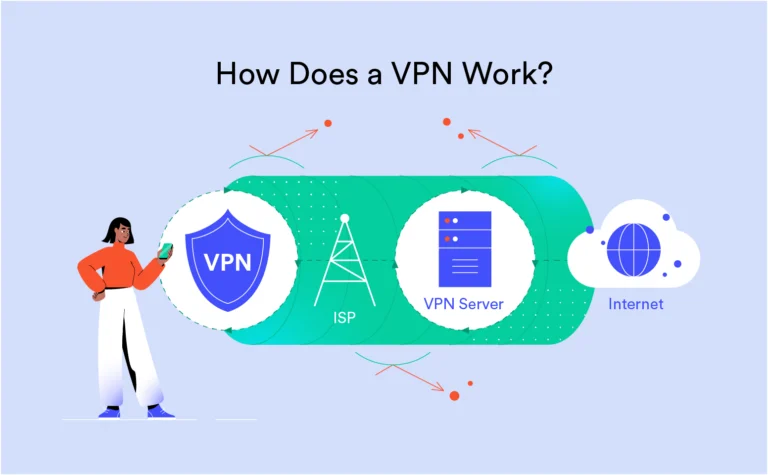
A VPN (Virtual Private Network) encrypts everything you send or receive — before it even hits the Wi-Fi router. This prevents hackers from seeing your data, even if they manage to intercept it.
Here’s how a VPN protects you:
- Encrypts all traffic end-to-end
- Masks your IP address
- Blocks MITM and packet sniffing attempts
- Prevents DNS hijacking and spoofing
- Lets you use banking apps, emails, and cloud storage safely
- Breaks open captive portals (in airports/hotels) through tunneling
With a good VPN, even the network owner can’t see what you’re doing online.
6. What a VPN Can and Cannot Protect
A VPN protects the connection, not the device itself.
✅ A VPN Can Protect You From:
- Hackers on public Wi-Fi
- Network-based attacks
- Traffic monitoring by ISP or hotspot owner
- DNS leaks and traffic hijacking
❌ A VPN Cannot Protect You From:
- Clicking phishing links
- Downloading malware
- Entering credentials on fake websites
- Already-infected devices or spyware
For full protection, combine a VPN with antivirus, secure browsers, and smart online behavior.
7. Mobile Devices and Public Wi-Fi: What You Must Know
Phones and tablets are just as vulnerable — especially since most people connect automatically.
Common risks on mobile:
- Apps sending unencrypted data
- Auto-connect to unsafe networks
- Malicious captive portals
- Background syncing of sensitive data (email, photos, files)
Always use a VPN on mobile before opening any app in public Wi-Fi zones — especially for banking, messaging, or work.
8. Additional Tips to Stay Safe on Public Networks
- ✅ Always use a VPN before doing anything online
- ✅ Avoid accessing banking or sensitive accounts without encryption
- ✅ Turn off auto-connect to open networks
- ✅ Use two-factor authentication (2FA) for all accounts
- ✅ Keep your system, apps, and antivirus updated
- ✅ Avoid clicking on popups or captive login pages with too many permissions
9. Best VPN Features for Public Wi-Fi Protection
Not all VPNs are equal. Look for these features when choosing one specifically for public Wi-Fi safety:
- AES-256 encryption (military-grade)
- Kill Switch (disconnects internet if VPN drops)
- DNS & IPv6 leak protection
- Auto-connect on unknown networks
- No-logs policy (for full privacy)
- Mobile app support (Android/iOS)
Recommended VPNs often include NordVPN, Surfshark, and ExpressVPN — all of which support public Wi-Fi security on desktop and mobile.
10. Final Thoughts
Public Wi-Fi might feel like a free convenience, but in reality, it’s a cybercriminal’s hunting ground. Every time you log in at a café, hotel, or airport without protection, you’re exposing your digital identity to invisible threats.
But the solution is simple: use a VPN. It takes seconds to turn on, works in the background, and encrypts your entire connection — even over the most unsafe networks.
In 2025, online privacy is no longer a luxury — it’s a necessity. Whether you’re a remote worker, traveler, student, or everyday user, protecting yourself on public Wi-Fi starts with the right tools and habits.
11. FAQs – Quick Answers for Safe Browsing
Is it safe to use public Wi-Fi with a VPN?
Yes. A VPN encrypts your data, making public Wi-Fi far safer by preventing interception or tracking.
Can hackers still attack me if I use a VPN?
They may try, but they won’t be able to read your traffic or hijack your session if your VPN is active and working properly.
Should I use a VPN on my phone in public?
Absolutely. Phones are equally at risk. A mobile VPN protects all app traffic, including messages, emails, and logins.
Can hotels or airports track what I do online?
Without a VPN, yes. With a VPN, your traffic is encrypted, and they cannot see what sites or services you’re accessing.
Do free VPNs protect me on public Wi-Fi?
Some offer basic protection, but many log your data or inject ads. For real safety, use a reputable paid VPN with strong encryption and no-log policies.
Want to compare top VPNs side-by-side? Check out our full list on the VPN Trackr homepage for real-time insights, features, and speed tests.